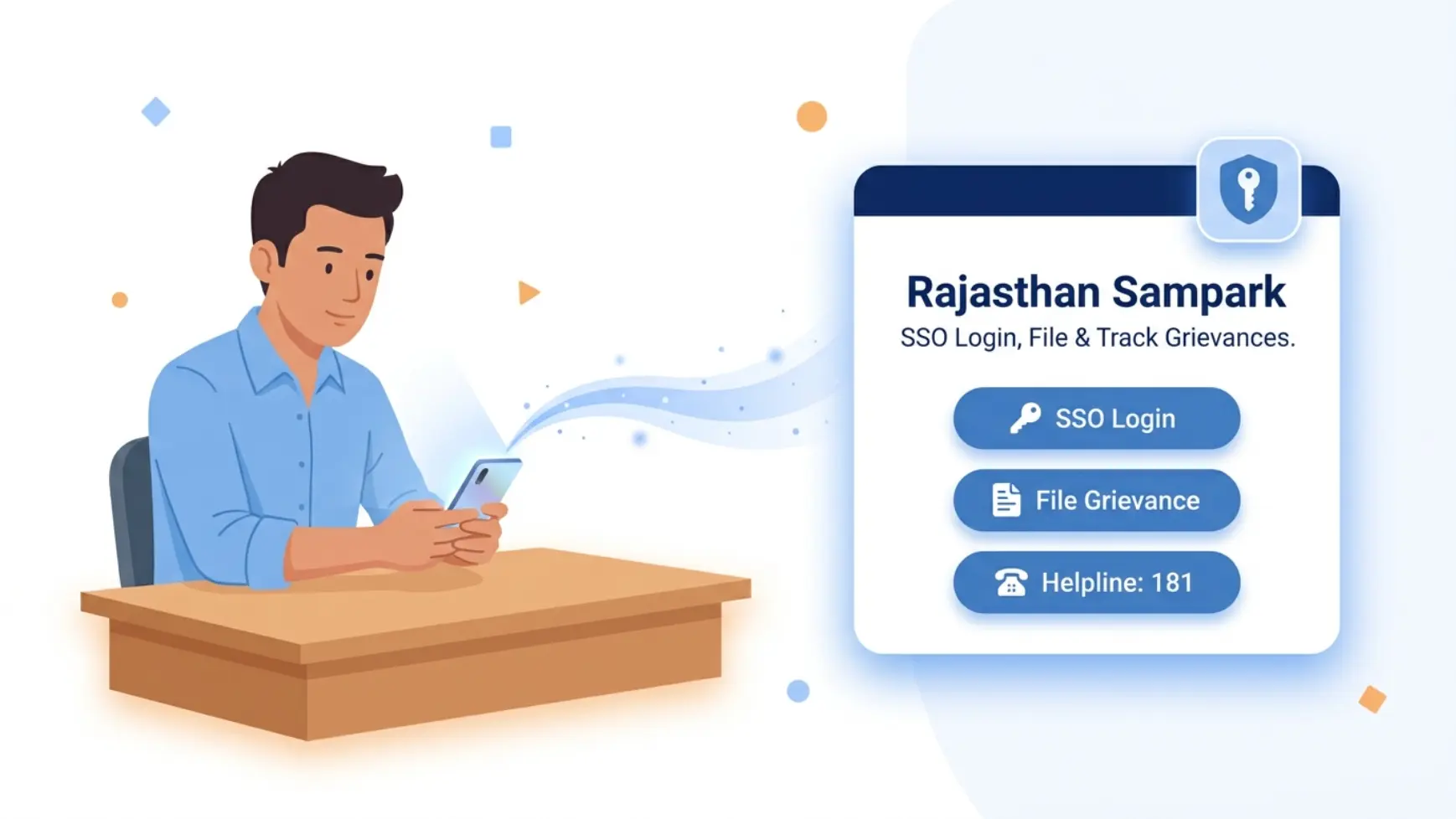
This guide covers how to register, file, track, and reopen a grievance with the Rajasthan government through the Rajasthan Sampark portal and CM Helpline 181, including the SSO login step that trips up a lot of first-time users.
What is Rajasthan Sampark?
Rajasthan Sampark is the state government’s integrated platform for citizens to register and track grievances against government departments, autonomous organizations, and academic institutions. It’s built around the CM Helpline (181), a free, 24×7 phone line, alongside the web portal and physical Sampark Centres at the Gram Panchayat, Panchayat Samiti, and district level. Every grievance receives a Grievance ID used to track status, reopen the case, or give feedback later.
The SSO Login Step
Unlike some other state portals, filing online on Rajasthan Sampark requires a Rajasthan SSO (Single Sign-On) ID first, this is the same login used across most Rajasthan government portals (e-Mitra, Jan Aadhaar, land records, and more), not something specific to Sampark alone.
- Go to the Rajasthan SSO portal and click Register (if you don’t already have an SSO ID).
- Choose Citizen as your category, and register using Jan Aadhaar, Bhamashah, Google, or Aadhaar.
- Once your SSO ID is created, use the same ID and password to log in to Rajasthan Sampark.
If you have trouble with your SSO ID itself (not Sampark specifically), the SSO helpdesk can be reached at 0141-5123717 / 0141-5153222 or the toll-free 1800-180-6565.
How to File a Grievance Online
- Log in to Rajasthan Sampark with your SSO ID.
- Select the category of your complaint (personal, public, or related to a government employee).
- If you’ve filed a related complaint before, provide that reference; otherwise proceed as a new grievance.
- Fill in your grievance details and submit to receive your Grievance ID.
Other Ways to File a Grievance
- Call 181, the CM Helpline, free and available 24×7 for any government department.
- Visit a Rajasthan Sampark Centre in person, available at Gram Panchayat, Panchayat Samiti, and district level offices.
- Email: rajsampark@rajasthan.gov.in
How to Track Your Grievance Status
- Go to the official Grievance Status page.
- Enter your Grievance ID or the mobile number used at the time of filing.
- View the current status of your complaint.
Reopening an Unresolved Grievance
If your grievance was closed but you’re not satisfied with the resolution, you can reopen it using the same Grievance ID generated at the time of filing, rather than submitting a fresh complaint. This keeps the full history attached to one case instead of starting over.
Frequently Asked Questions
What is the Rajasthan CM Helpline number?
181. It’s free and available 24 hours a day for grievances related to any Rajasthan government department.
Do I need an SSO ID to use Rajasthan Sampark?
Yes, for filing online. You’ll need a Rajasthan SSO (Single Sign-On) ID, the same login used across most Rajasthan government portals, not something unique to Sampark. You can also file by phone (181) or in person without one.
How do I check my Sampark grievance status?
Visit the Grievance Status page on the official portal and enter your Grievance ID or registered mobile number.
What if I’m not satisfied after my grievance is closed?
You can reopen the same grievance using your existing Grievance ID rather than filing a new complaint.
Can I file a complaint about a central government department here?
No. Rajasthan Sampark covers state government departments. For central government or other-state matters, use CPGRAMS instead.